Find 500+ exercises
Choose a muscle or search for an exercise. Watch a demonstration before you start.
Find exercises, build and share workouts and see your recent logged workouts on a body map.
Join our first group of 15 gym testers. Try three normal workouts and tell us what you think.
Join the tester group →Free during beta · Use it on your phone · No App Store download needed
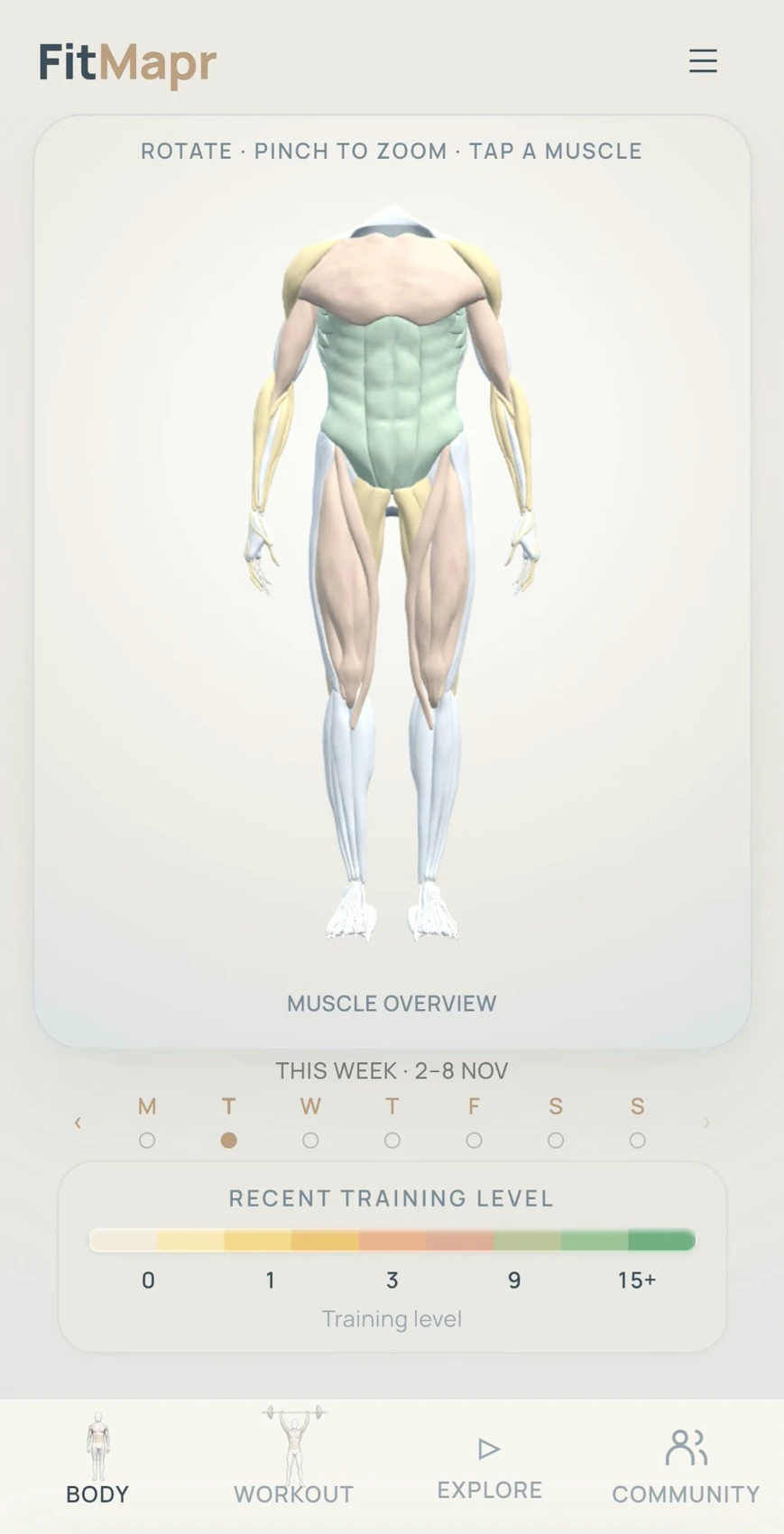
Choose a muscle or search for an exercise. Watch a demonstration before you start.
Keep your exercises together. Share a workout link with a friend or client.
Record your completed sets and see the muscles you trained on your body map.
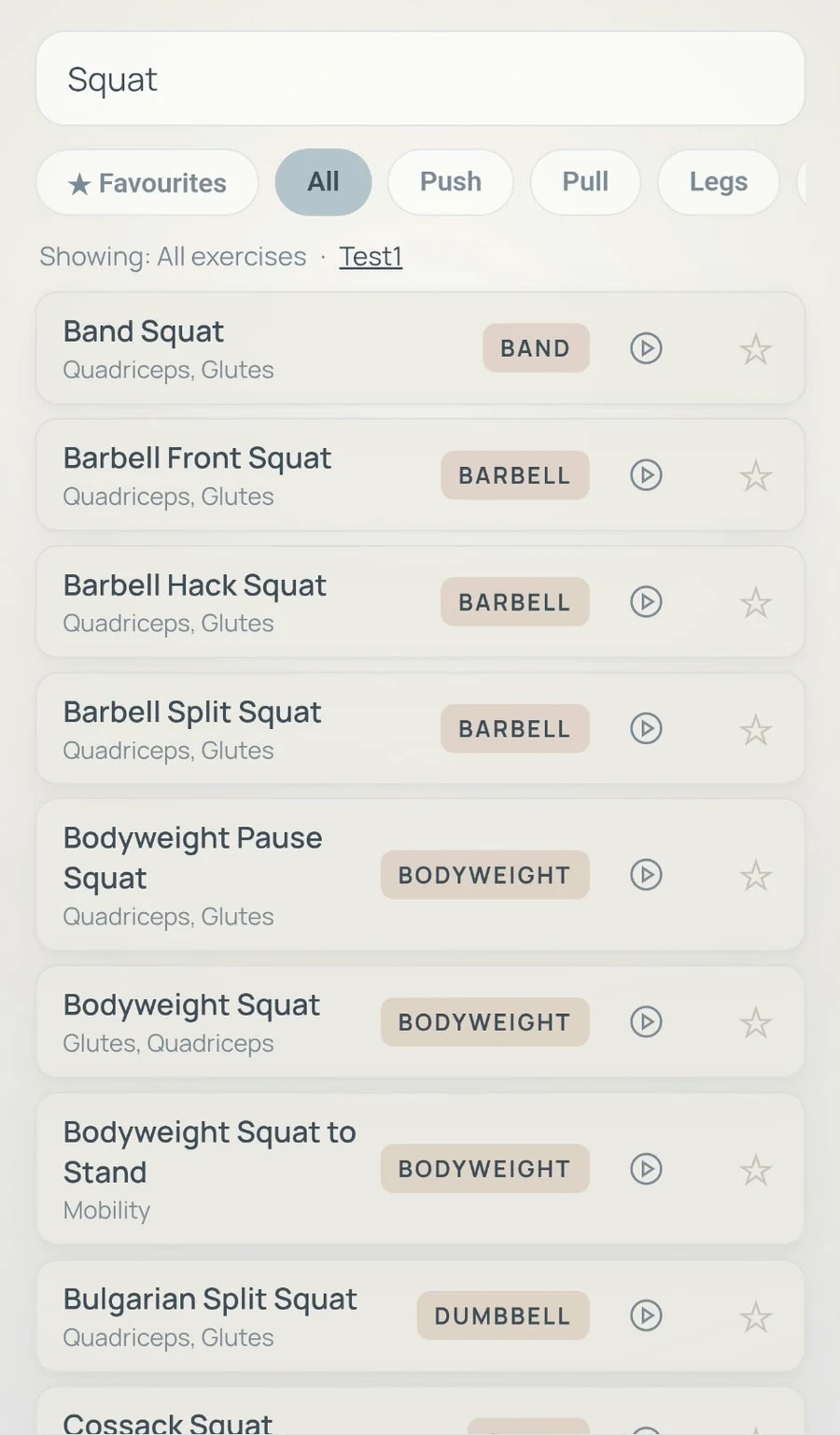
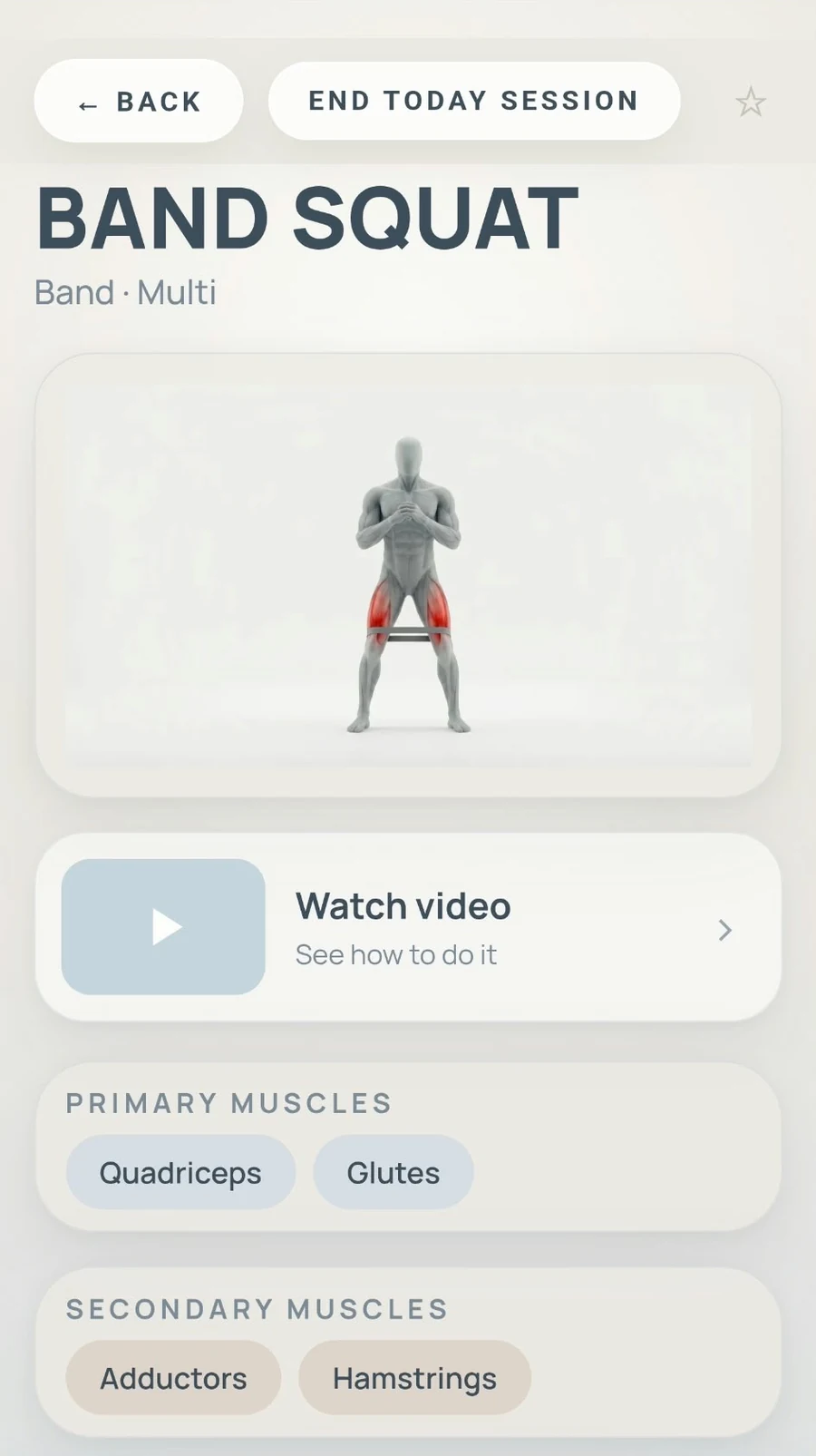
Search by exercise name or muscle. Open an exercise to see the muscles it uses and watch its video.
Save exercises to a workout plan and record the sets you complete.
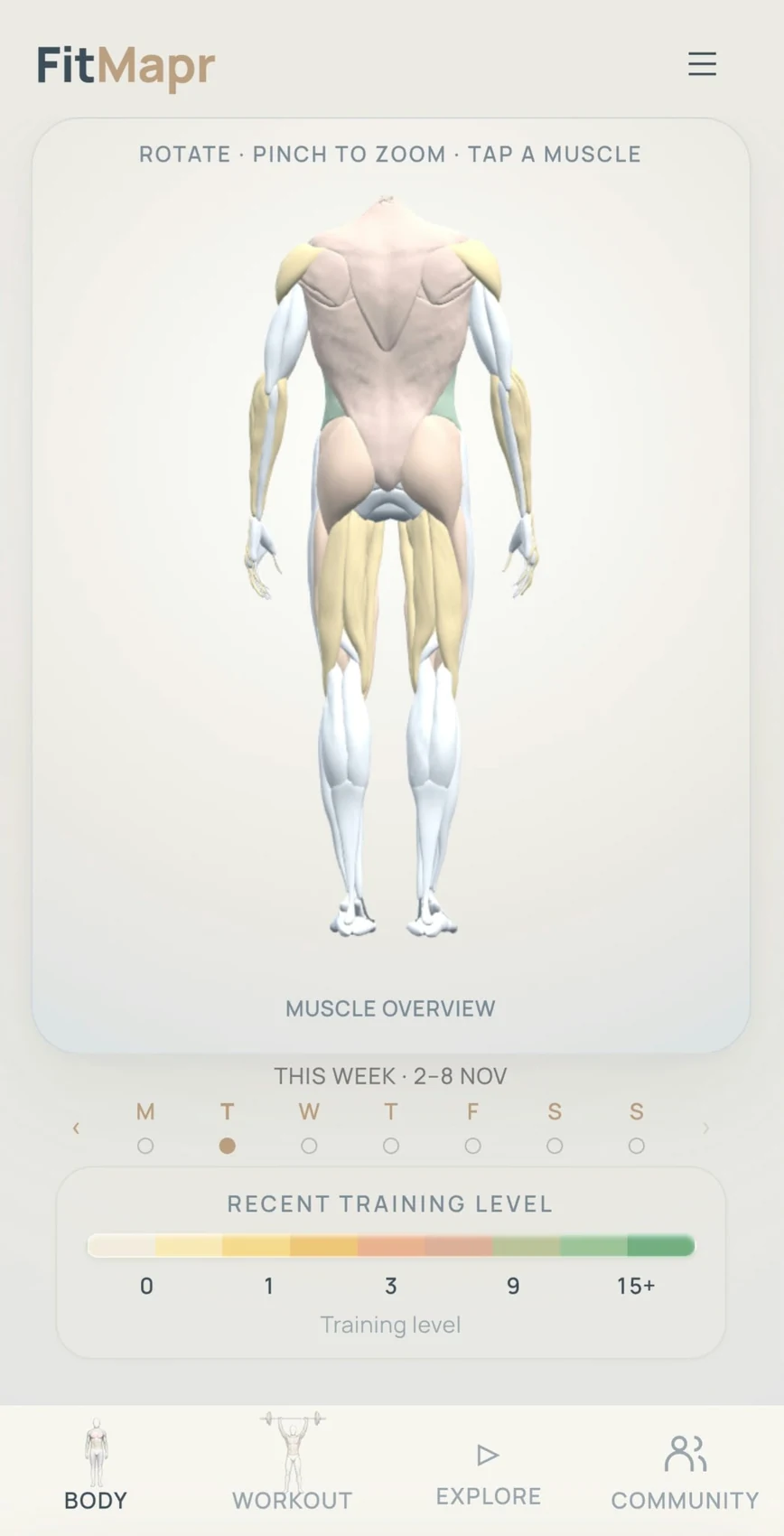
When you log a workout, your muscles change colour.
Without new logged workouts, the colours slowly fade back towards white.
The colours show recent workouts you recorded. They do not measure fitness or recovery.
Use FitMapr as part of your normal gym routine. There is no need to train more often.
Tell us whether you are a gym user or a personal trainer.
Find exercises, record your completed sets and look at your body map.
What helped? What was confusing? What would you change?
Want a little help getting started? An optional five-minute introduction is part of the proposed test.
Create a workout plan and send the link. Someone else can open the exercise list and save their own copy in FitMapr.
Saving a plan organises exercises. Training is recorded when you log completed sets.
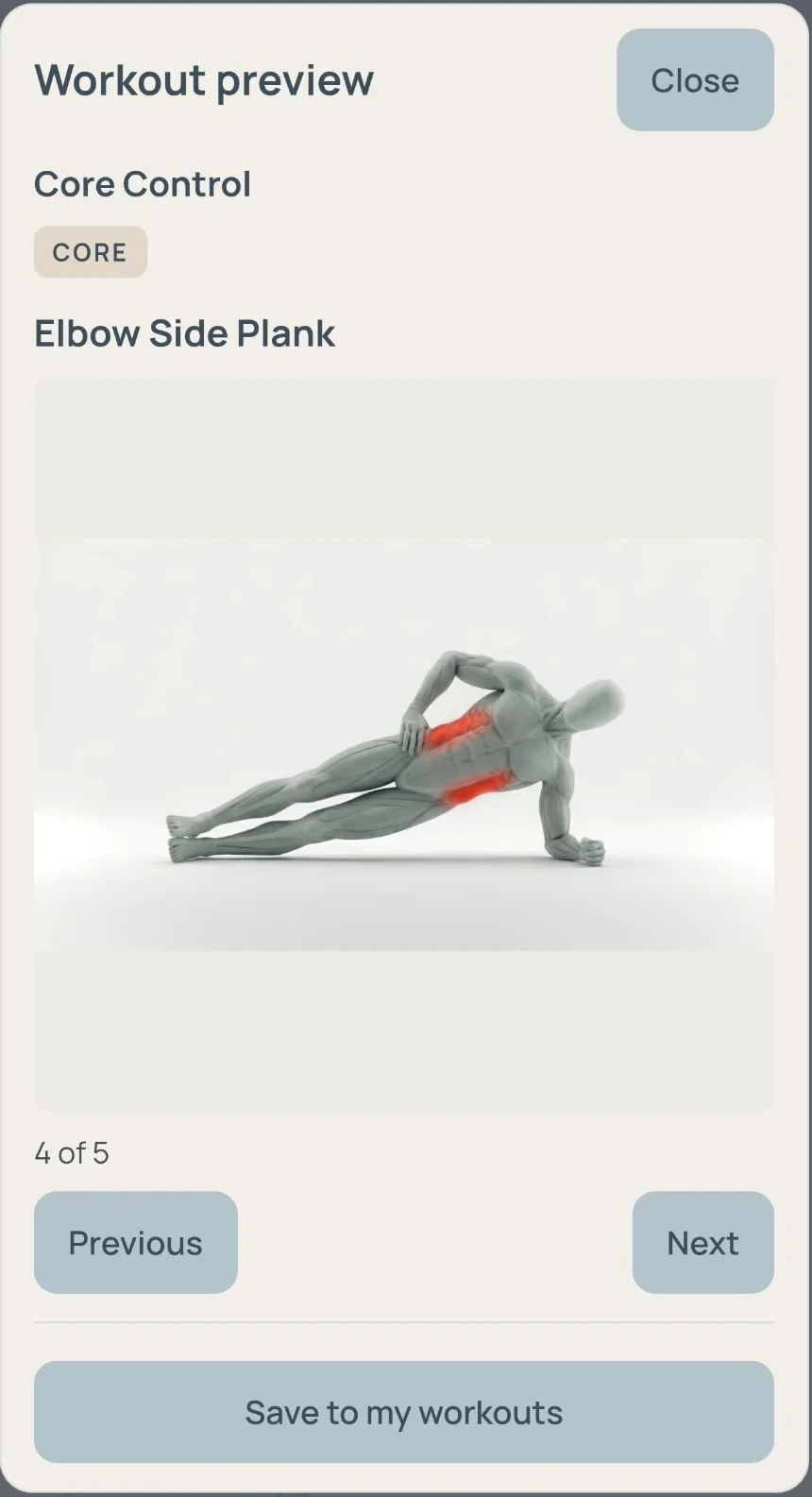
An example of saving a shared workout.
Take or upload a photo. Review the equipment FitMapr recognises and see available exercises.
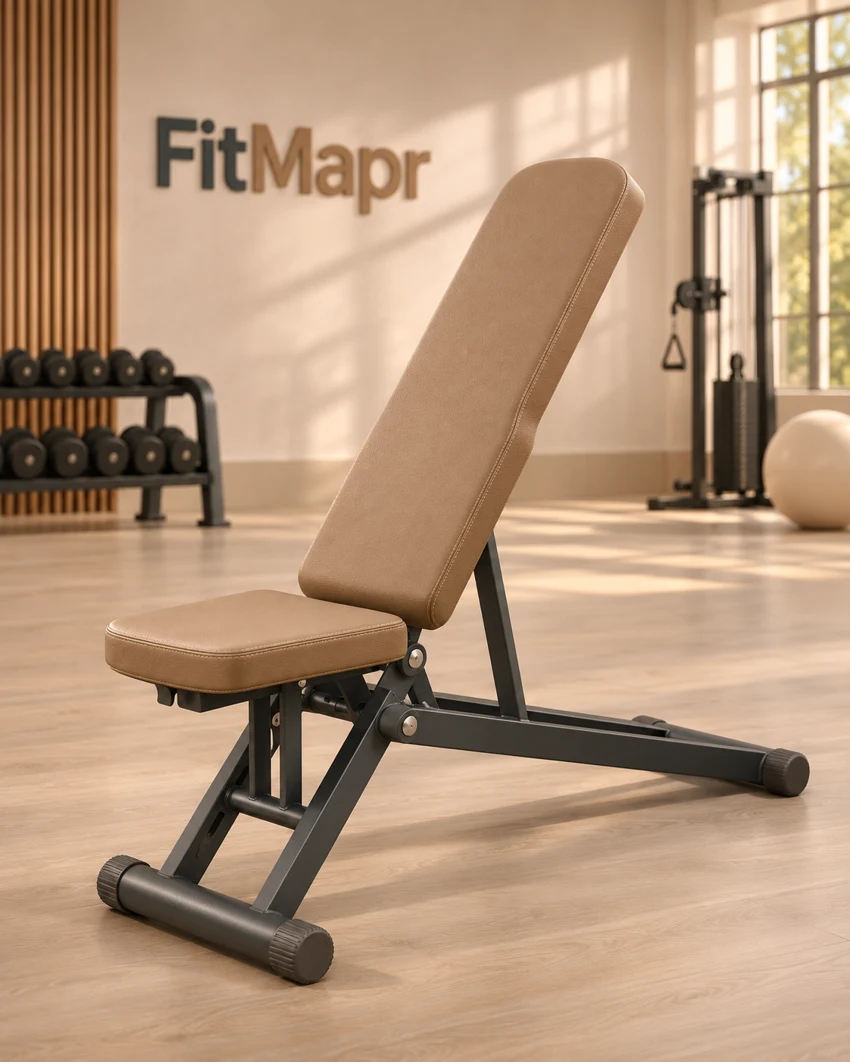
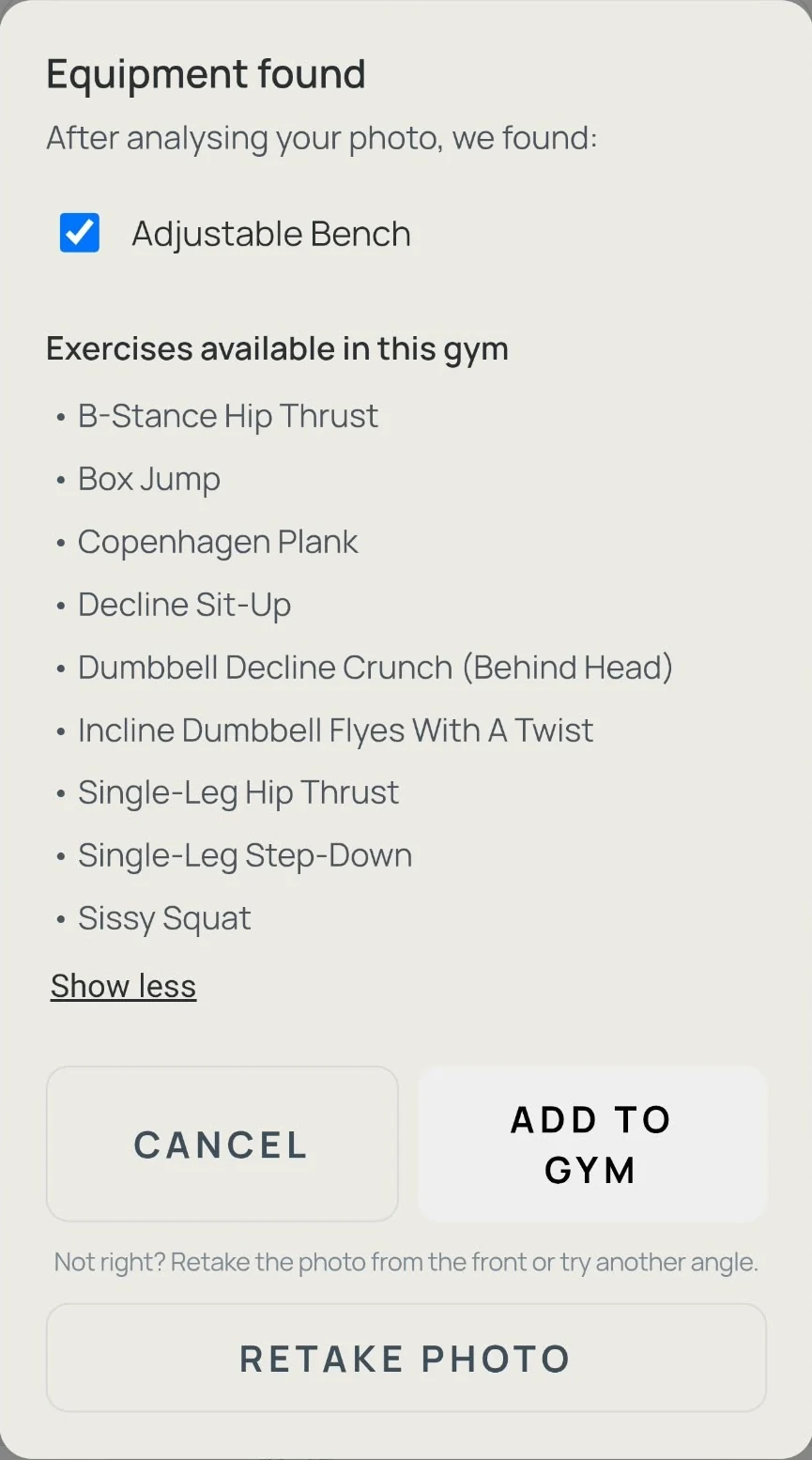
The illustration and app result are separate examples. Open MY GYMS, choose Scan equipment and review the results before adding equipment and saving your gym. Photos are sent to OpenAI for recognition. You can also choose equipment by hand.
Create a workout plan, share the link and let your client save their own copy.
We are looking for three PTs to try this with a willing client and tell us how it fits their work.
Shared workouts contain an exercise list. They do not prescribe sets, reps, weights or rest and do not give access to a client’s workout records.
Join as a gym user or personal trainer.
We have received your details. You can create your FitMapr account and try the app now.
Try FitMapr during three normal workouts over the next two weeks. For an introduction or to share feedback, email hello@fitmapr.com. If you joined as a PT, try sharing a plan with a willing client.
Open FitMapr and create your account ↗FitMapr installs directly from your browser. No App Store required.
You can use FitMapr in your phone browser at fitmapr.com. You can also add it to your home screen.
FitMapr is free during beta.
No. You create your FitMapr account separately when you open the app.
Yes. Create a workout plan and share its link. Your client can sign in and save their own copy. Changes to your original plan do not automatically update their copy.
Email hello@fitmapr.com.